

View funnels
After you create a funnel, you can view it in the funnel list on the Manage Funnel tab.
This topic describes how to view funnels on the Mini Program platform.
Procedure
To view funnels, take the following steps:
- Log on to the Mini Program platform.
- In the left navigation panel, choose Analytics > Custom Analysis.
- On the displayed Custom Analysis page, find the desired mini program.
- Click Funnels in the Action column.
- On the Manage Funnel tab, you can view the funnel list. The list displays key information about the funnels and the actions you can perform on them.
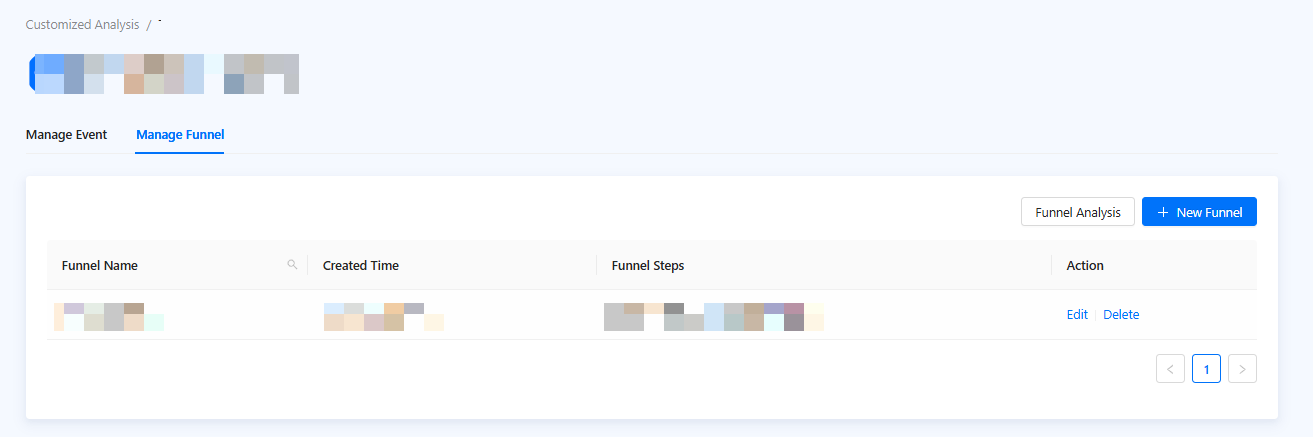
Figure 1. Funnel list