

Delete features
If a feature is no longer required, you can remove it from the Mini Program platform.
This topic describes how to delete a feature from the Mini Program platform.
Prerequisites
Only workspace admins can delete features.
Procedure
To delete a feature, perform the following steps:
- Log in to Mini Program Platform.
- In the left navigation panel, click Features to navigate to the Features page.
- On the Features page, locate the feature that you want to delete.
- Click the name of the feature to navigate to the Feature Details page.
- On the Feature Details page, click Delete in the lower-right corner.
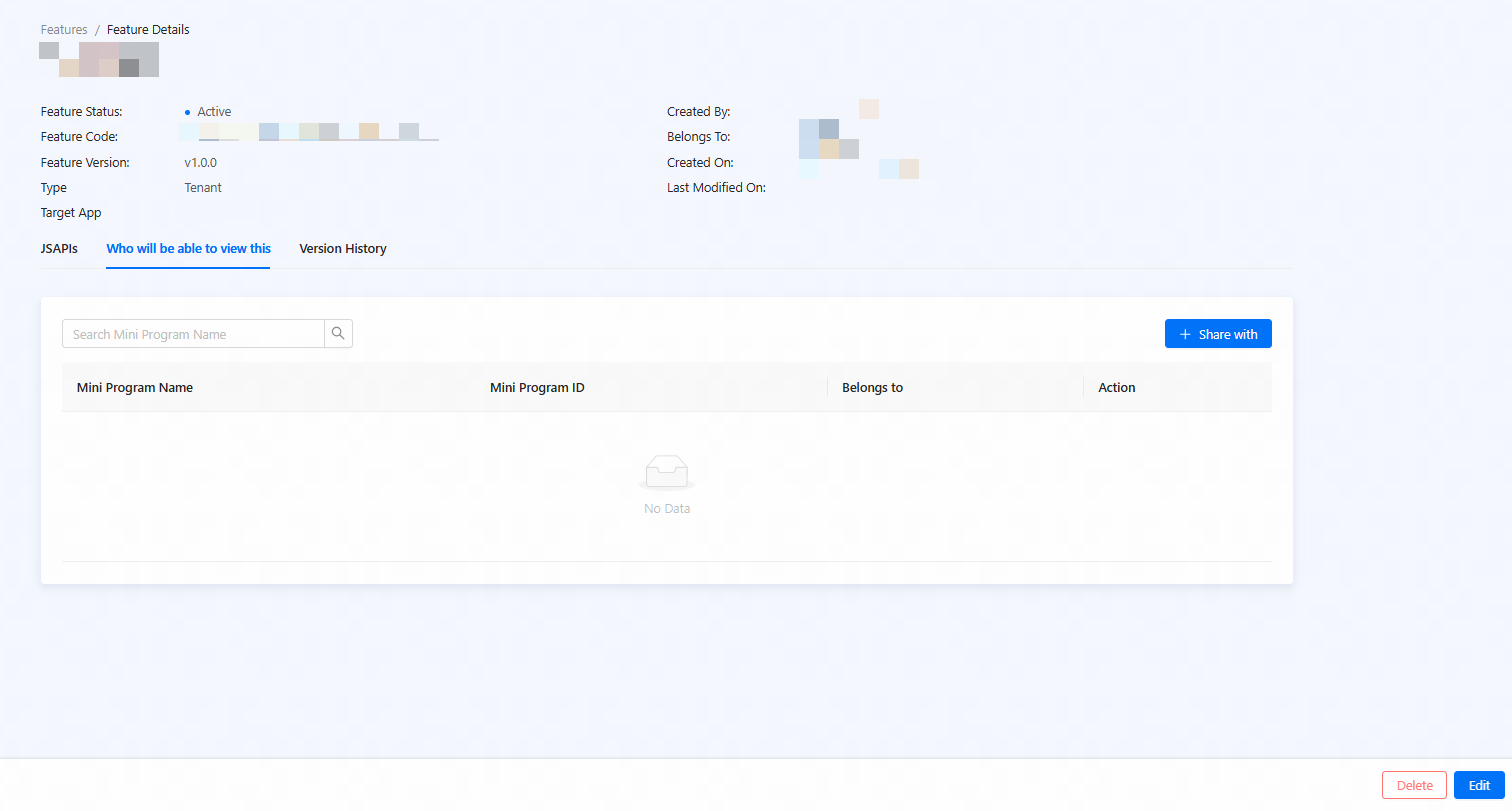
Figure 1. Delete a feature
- In the confirmation dialog, click Delete.
Note: Features that are added to mini programs cannot be directly deleted. Such features must first be removed from the mini programs before they can be deleted. For more information, see Remove features.
The feature is successfully deleted.